
Find cemeteries to take photos in with the BillionGraves app on your smartphone
Go to the app store on your phone and download the BillionGraves app
Register for an account, if needed
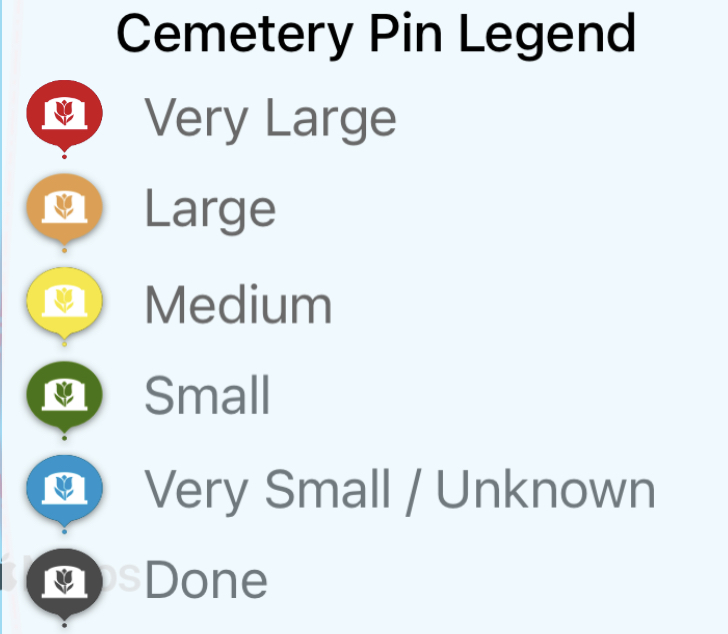
From the main screen of the app, tap on “find cemeteries”.Tap on a cemetery pin.
Tap on the name of the cemetery
Tap on “cemetery map” Zoom in.
Select a section of the cemetery where there are not any GPS markers (orange dots)
Take photos row-by-row of every gravestone.
Find cemeteries to take photos in with the BillionGraves Website on your computer.
- Go to BillionGraves.com
- Register for an account, if needed
- Click on Research, and find a cemetery near you.
- Click on a cemetery you are interested in.
- Click on cemetery map on the left-hand side window.
- Select a section of the cemetery where there are not any GPS markers (orange dots)
- Go to the cemetery and take photos row-by-row of every gravestone.
Do you have specific questions? Click HERE to create a ticket, these will go to our Free Ticket desk
BG+ users with questions, please click the Orange Help Button and Contact Us to fill out your priority ticket.