
Boundaries enable the BillionGraves GPS feature to attribute pins to the correct cemetery.
How to add a boundary to an existing cemetery on the BillionGraves website:
Step 1: Make sure you are on the page of a cemetery that needs a boundary.
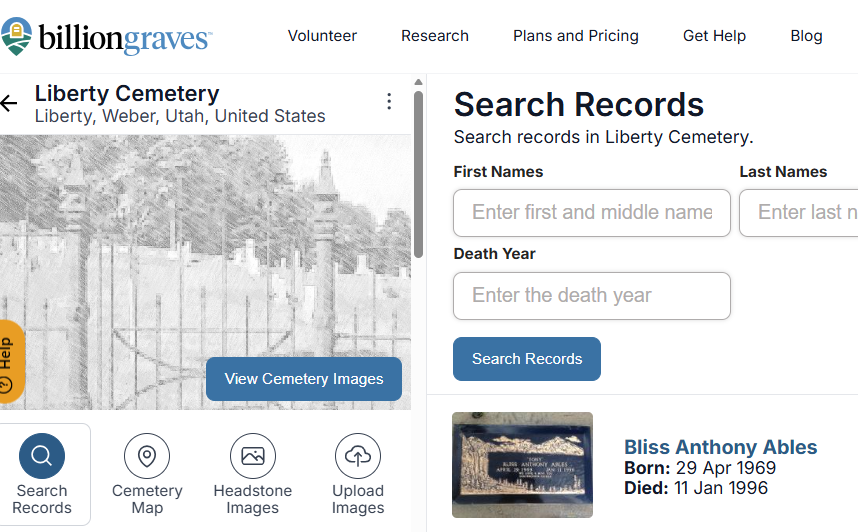
Step 2: Click on the three horizontal dots that are next to the cemetery name.
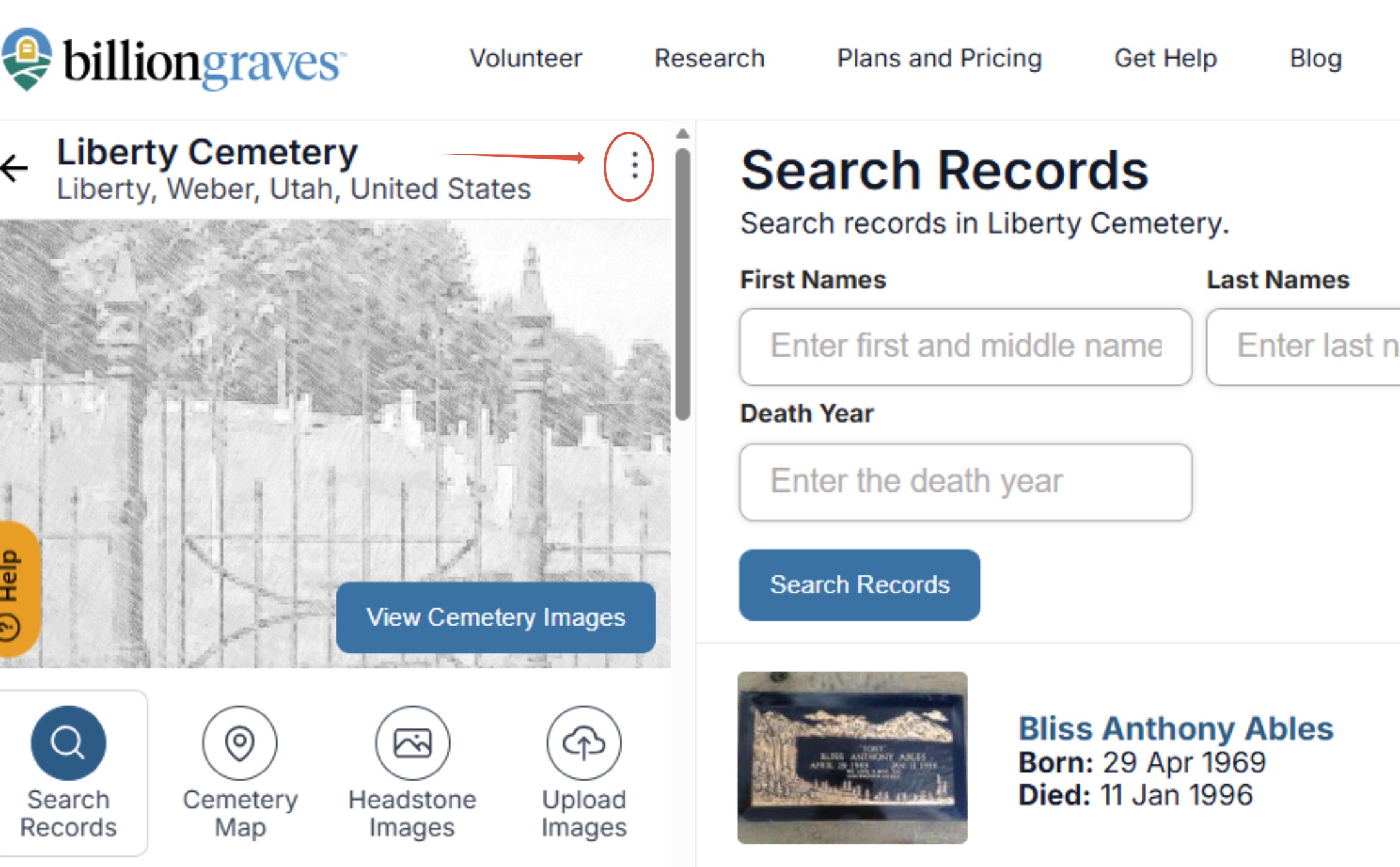
Step 3: Click Edit Cemetery Boundary.
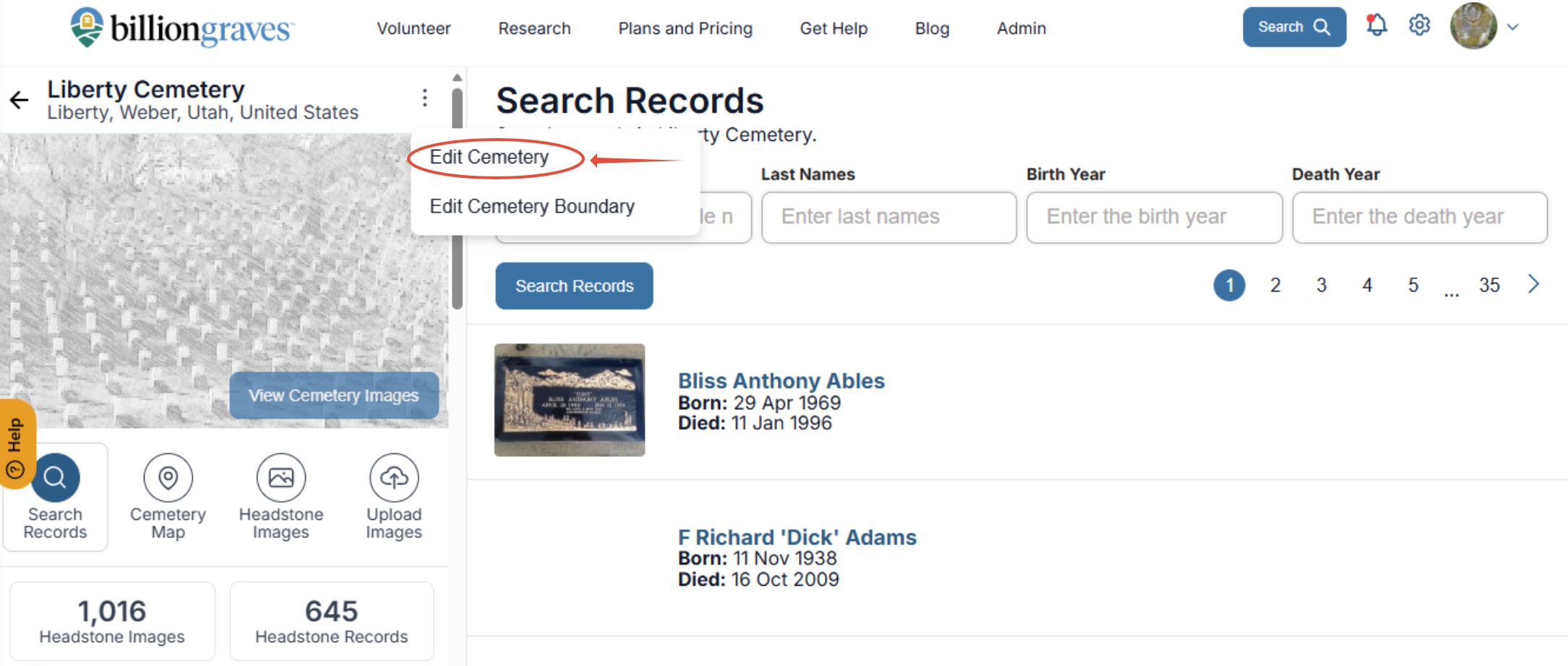
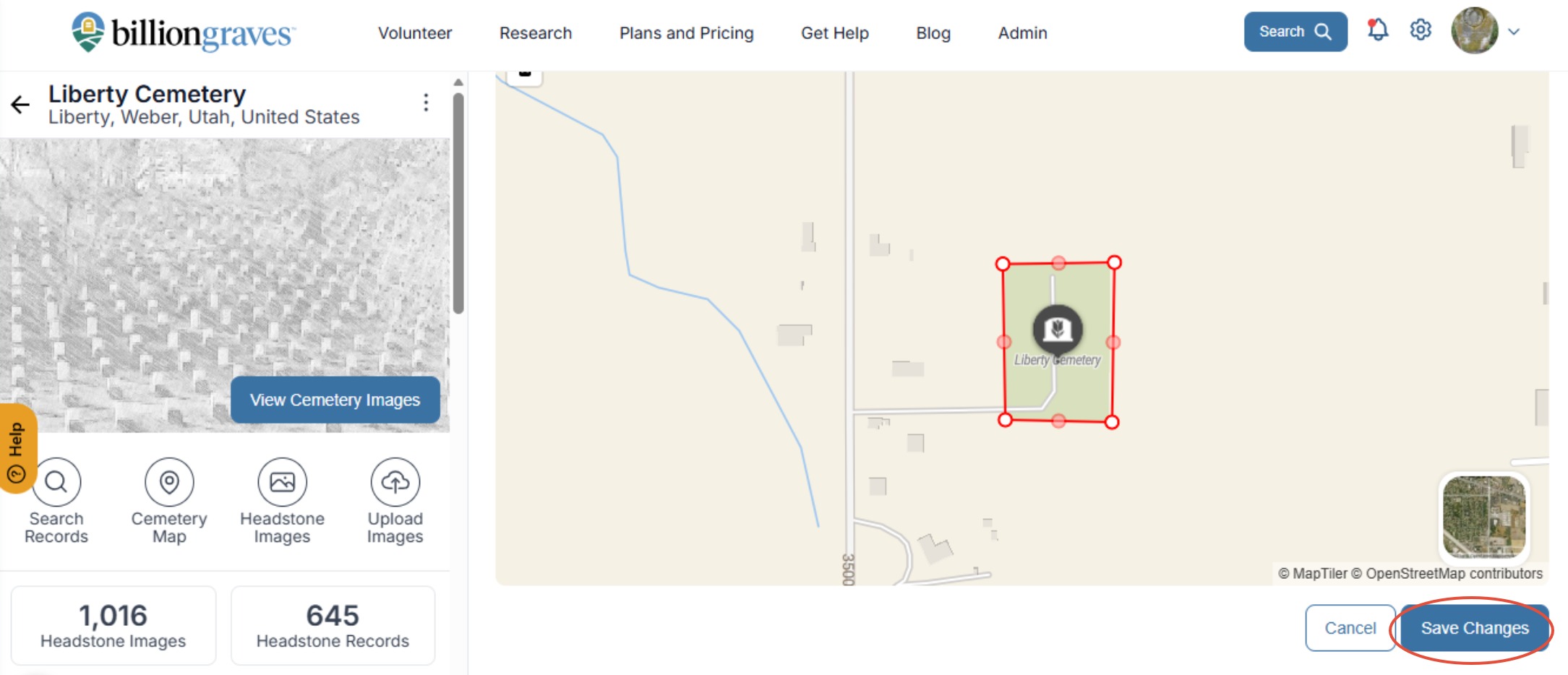
Step 4: Move the white dots to adjust the boundary lines. Click the faded white dot to add a new segment. Double-click any white dot to remove it.
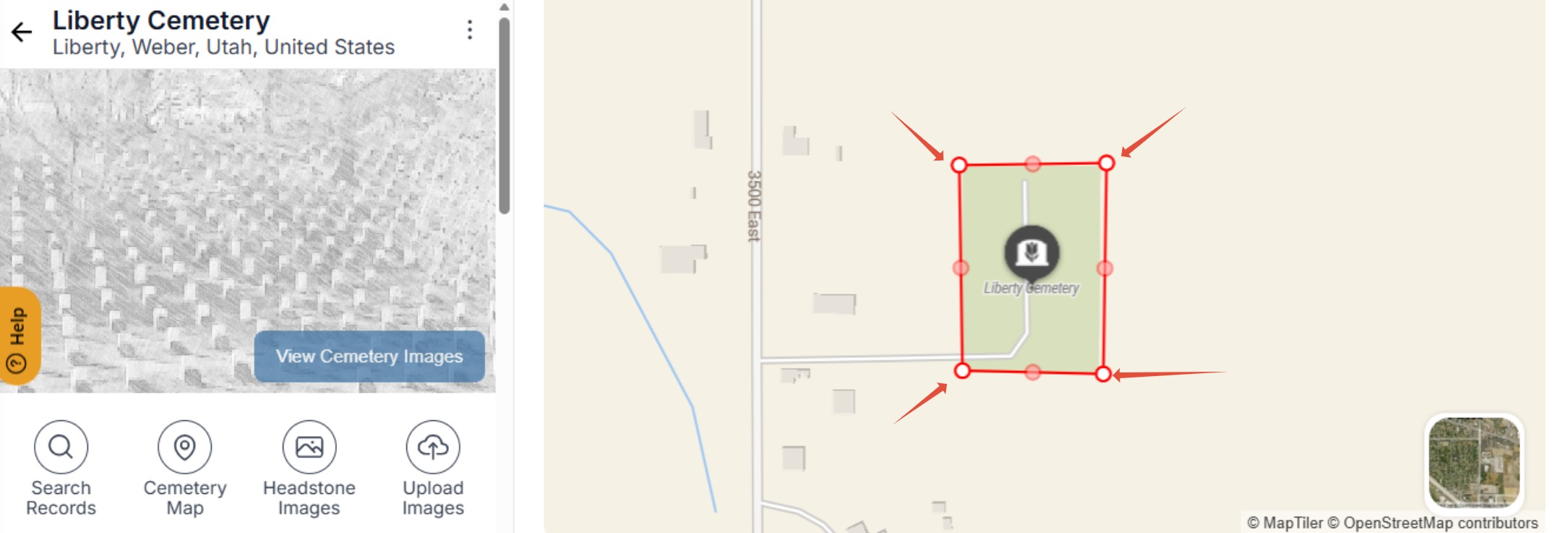
Step 5: When you are done, click Save if you are satisfied with your boundary.
Do you need more help? Click HERE to create a ticket.