
Searching for cemeteries is quite easy on the site, but you will need the exact location to search.
How to search for cemeteries: Step By Step
Step 1: From the dashboard, click on Research.

Step 2: Choose "cemetery search" from the dropdown menu.

Step 3: Type in the location using the Cemetery Name, City, County, State, Country format. The search engine should pull up the location in the list underneath. In this example we looked up St. Peters Church, Burnley, Lancashire, England
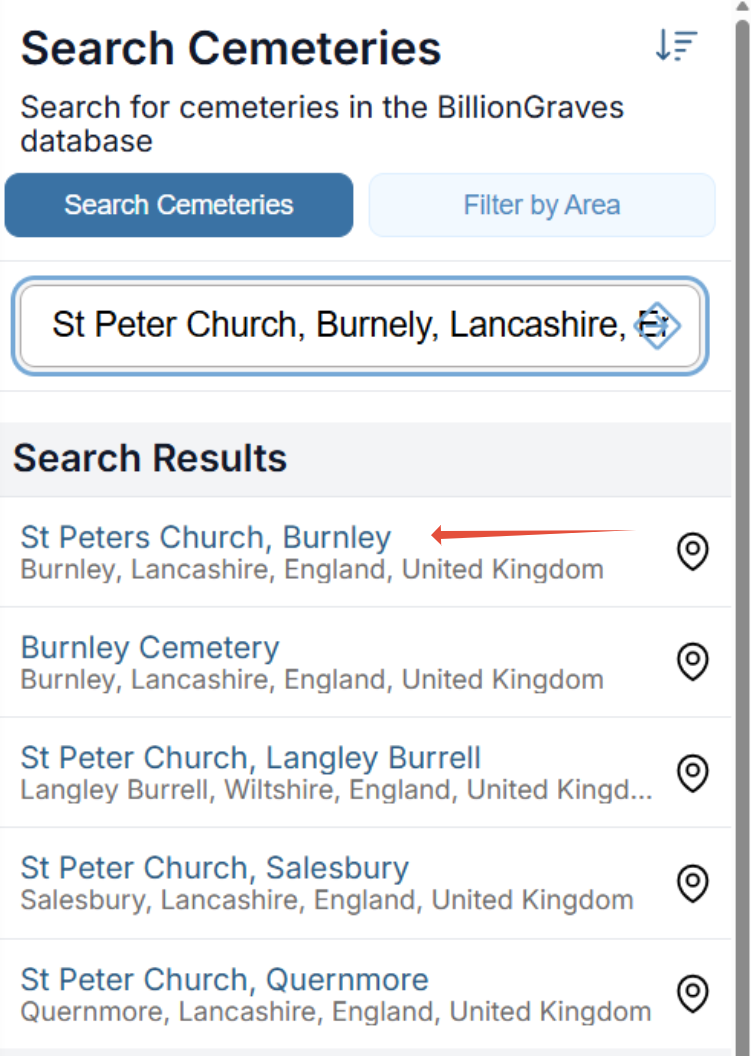
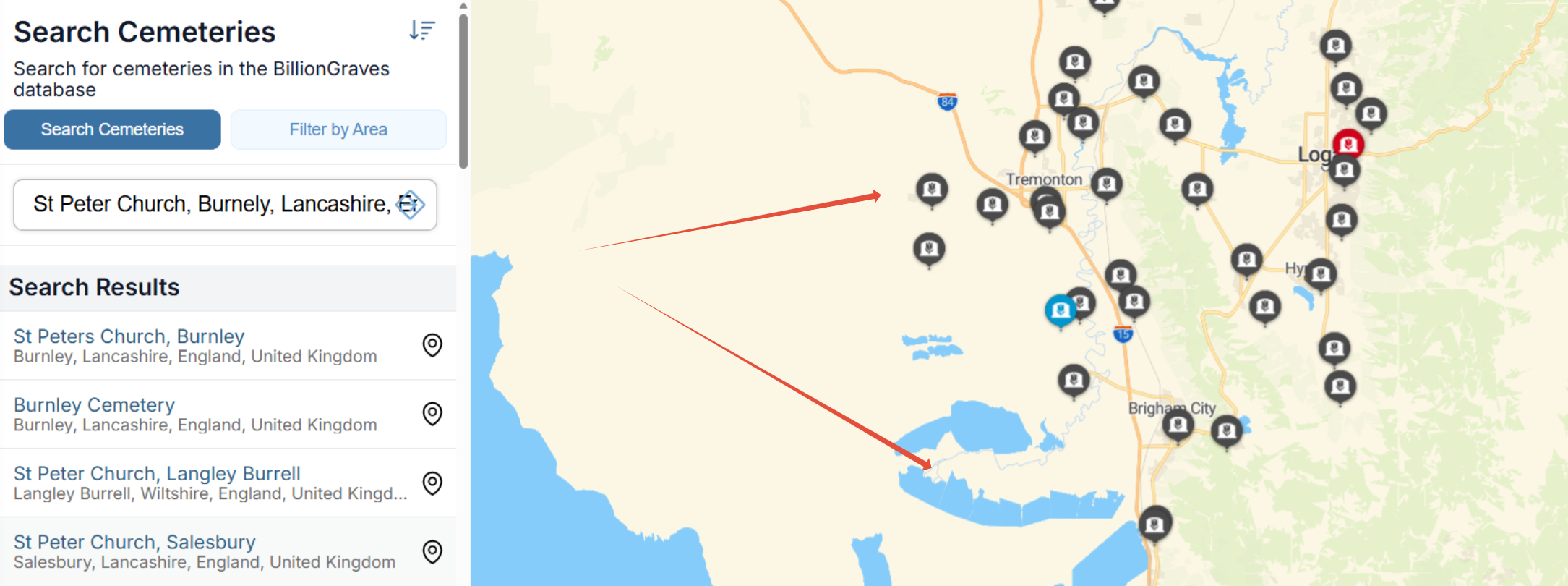
Note: This search is occuring in the United States, and the user lives in Northern Utah. You will notice that the map to the left of the search bar reflects the users current location.
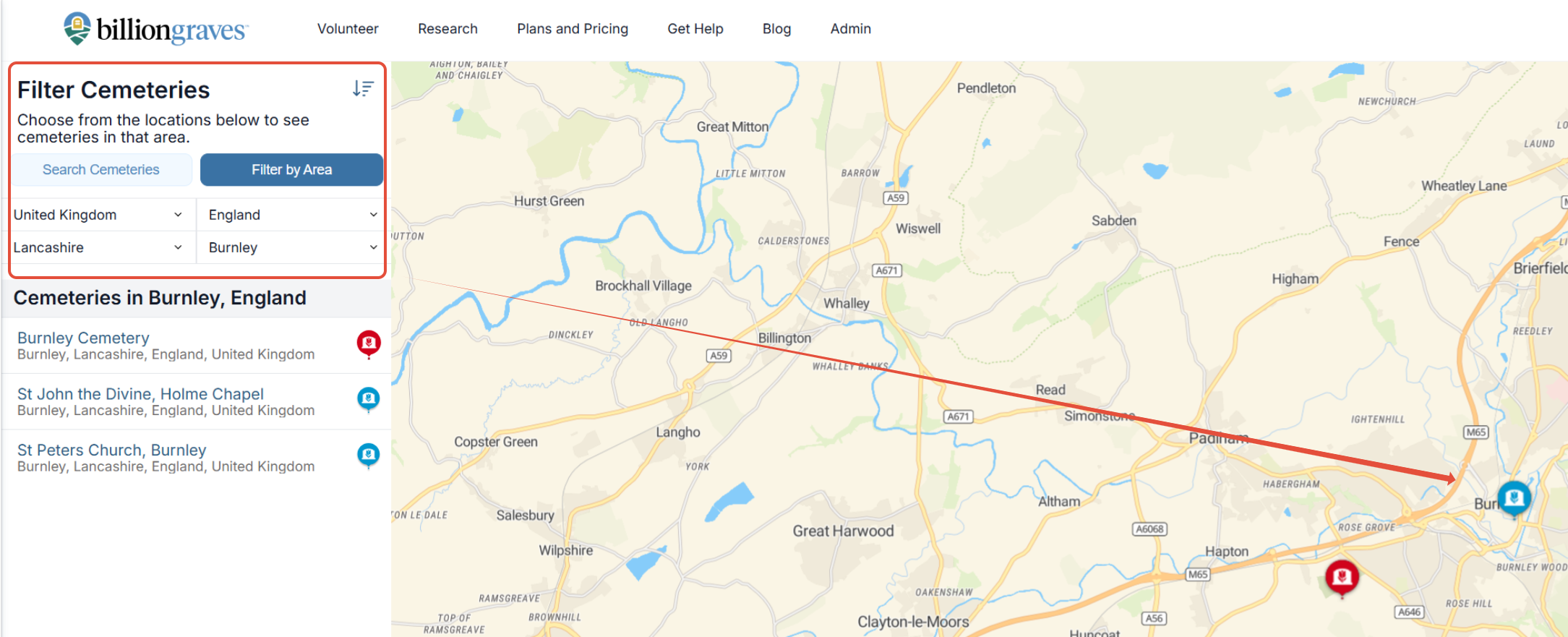
Step 4: If you are uncertain about the cemetery name, you can search using the "Filter by Area" box. When cemeteries are searched using the filter, the map will change to the area that is currently being searched for.
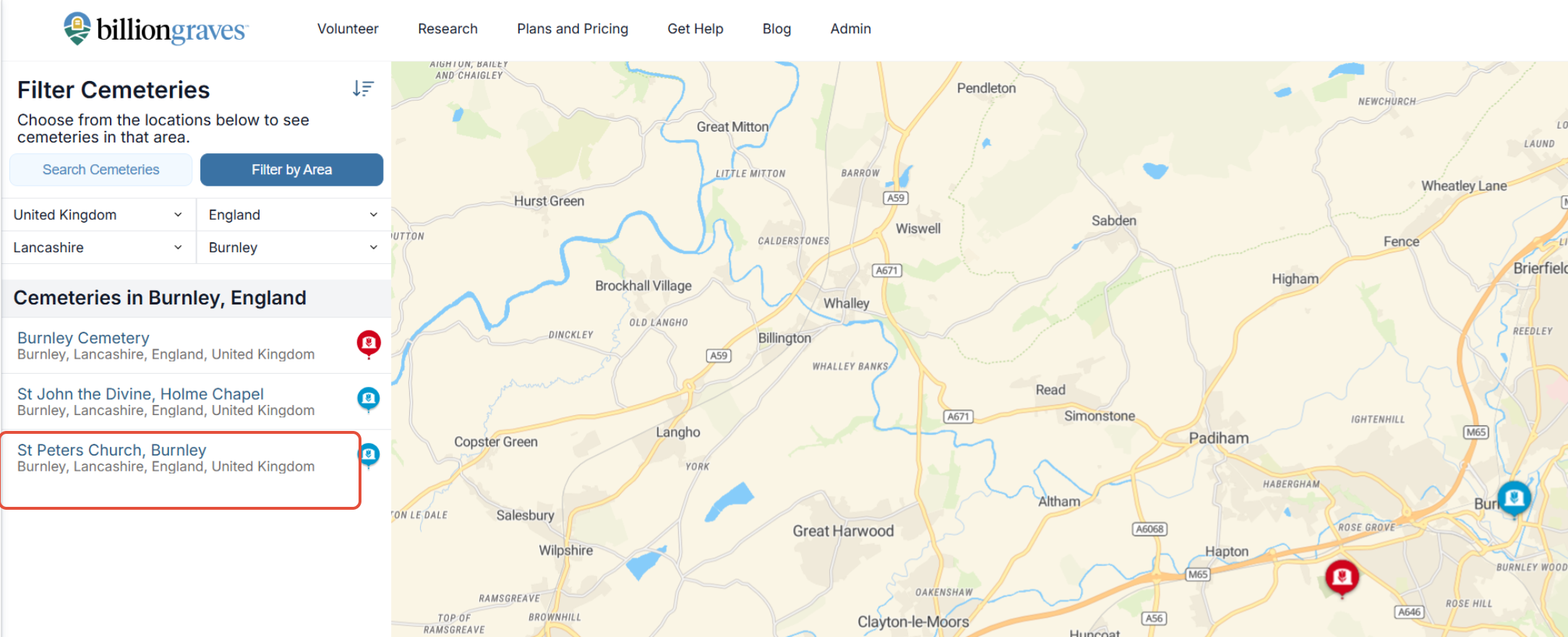
Step 5: Click on the cemetery from the drop-down list.
**Note: If the cemetery is not on any of our lists, it may need to be added to the website.